
Workflow forms for real operations
Ops work doesn't stay in one team — forms shouldn't either. Build reliable multi-table workspaces for the data your teams share, update, and revisit.
Customer Implementation: Acme Industrial
Equipment
Implementation Checklist
Site Inspection Reports
Install Plan
Spec Documents
Test Runs
Training Plan
Team Discussion
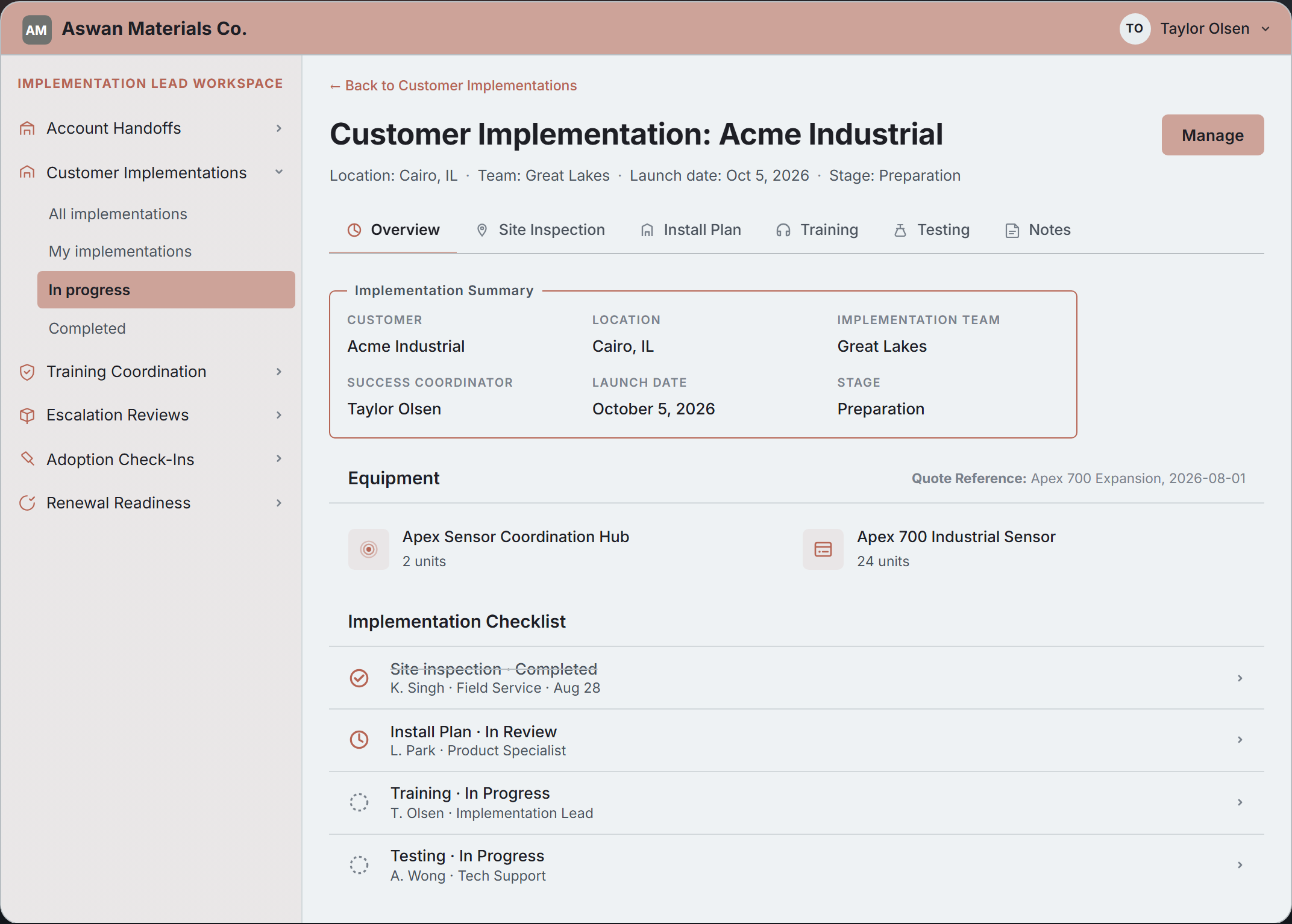
The customer implementation page where a cross-functional team collaborates on Acme Industrial's go-live, using dedicated forms to update shared data.
One place for each update
Combine everything needed for a task into a dedicated page, instead of scattered across single-table forms.
- Multi-record creates and updates from a single interface
- Table-based subforms for editing child rows in context
- Action-specific forms for workflows over shared data
- Transactional saves across all related database records
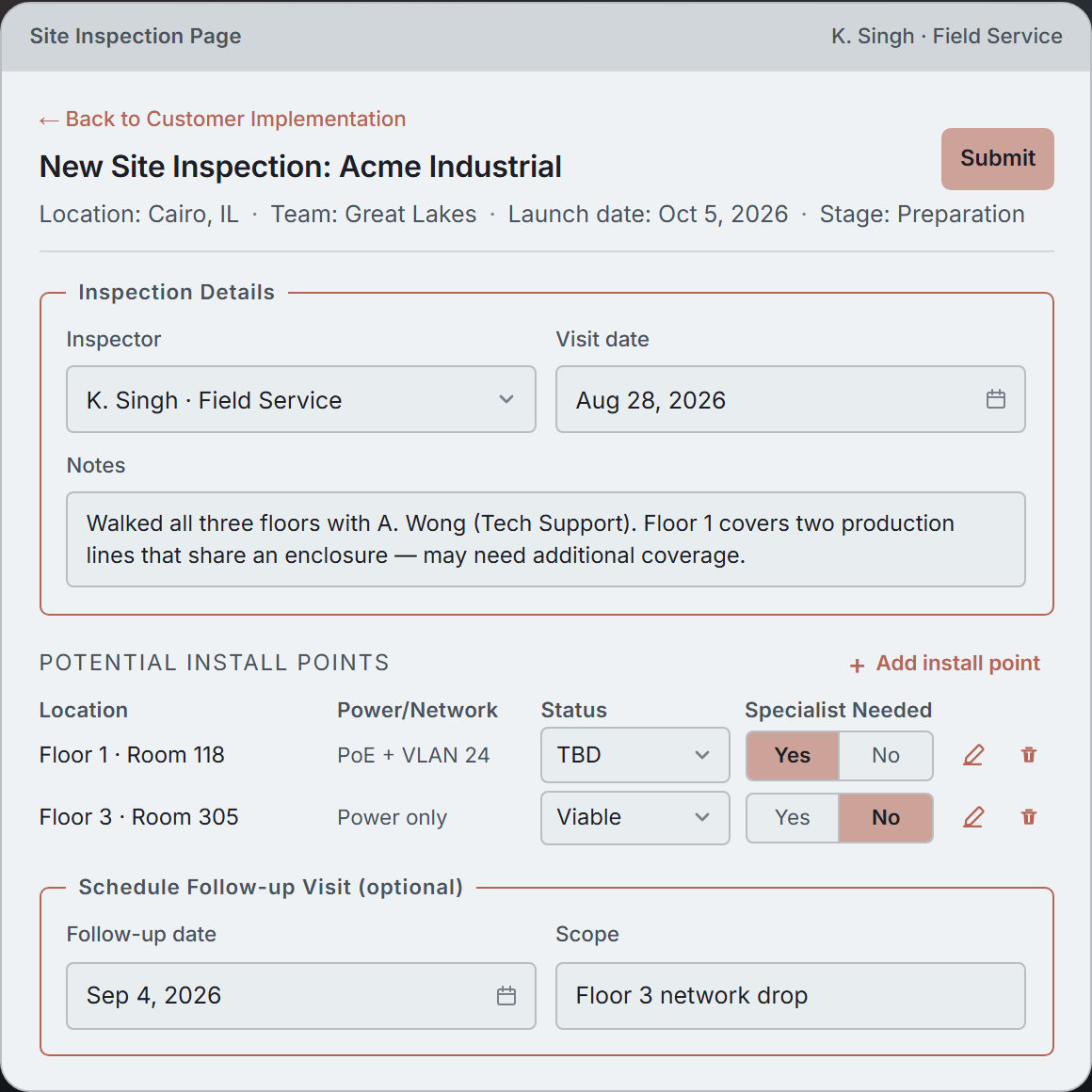
Field Service records install points from a site survey, flagging any that need a Product Specialist's eye. The inspection, install point, and follow-up visit records save together.
Layouts that streamline work
Design each form as a purposeful experience, so teams can handle complex data without piecing it together.
- Customizable fields, tabs, lists, actions, and appearance
- Fieldset sections and field groupings under shared labels
- Embedded instructions, data points, and read-only context
- Dedicated file attachment UI for single or multiple uploads
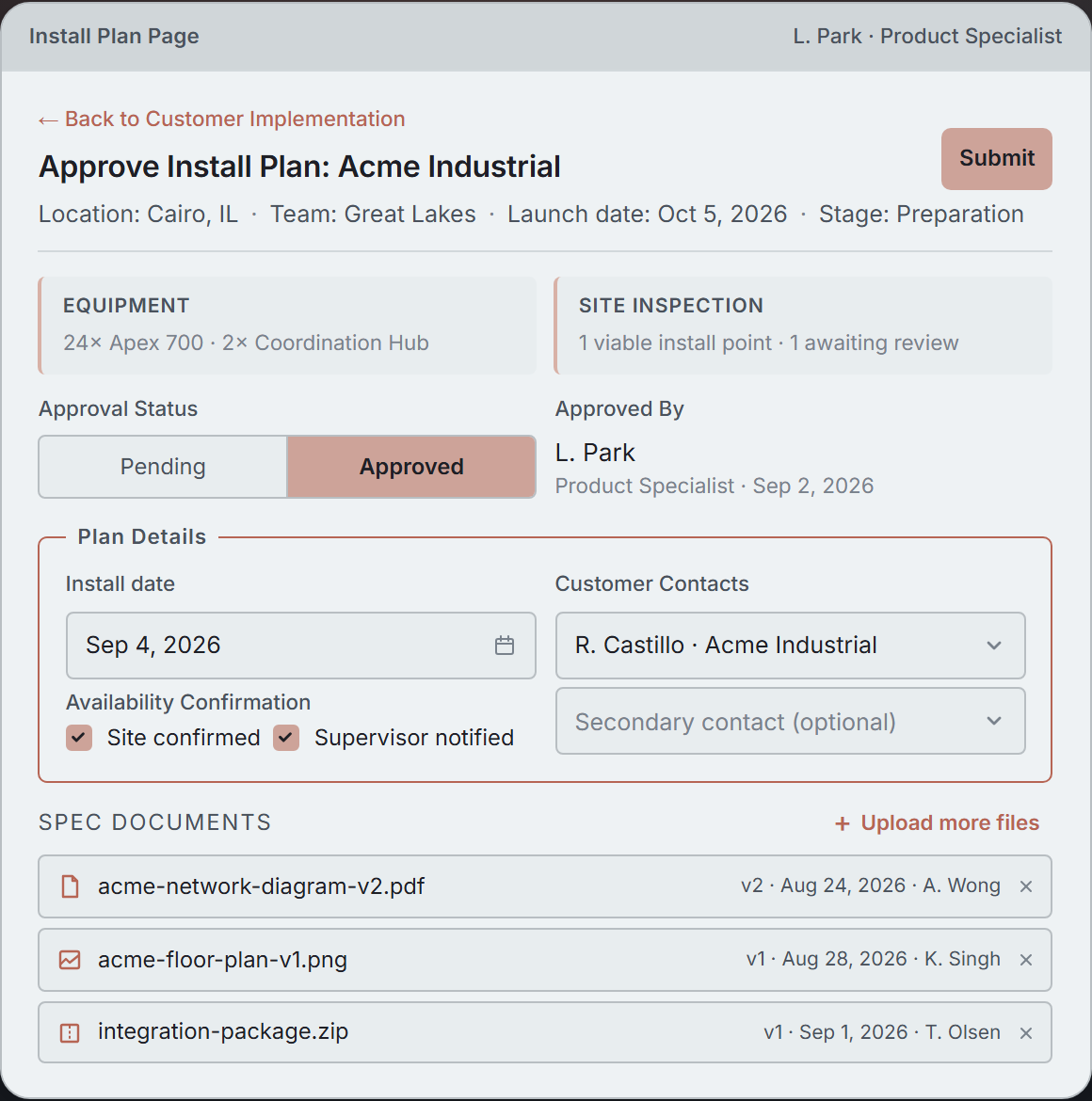
Product Specialists review the install plan with context and files in one place. The multi-step approval layout sources data from records previously entered by team members.
Just the fields that matter
Control exactly what stakeholders see - and when they see it - so they can get the job done quickly.
- Conditional field display, editability, and required status
- Live totals, dependent values, and cross-step validations
- User guidance embedded inline or in structured dialogs
- Logic based on form values, page context, or related data
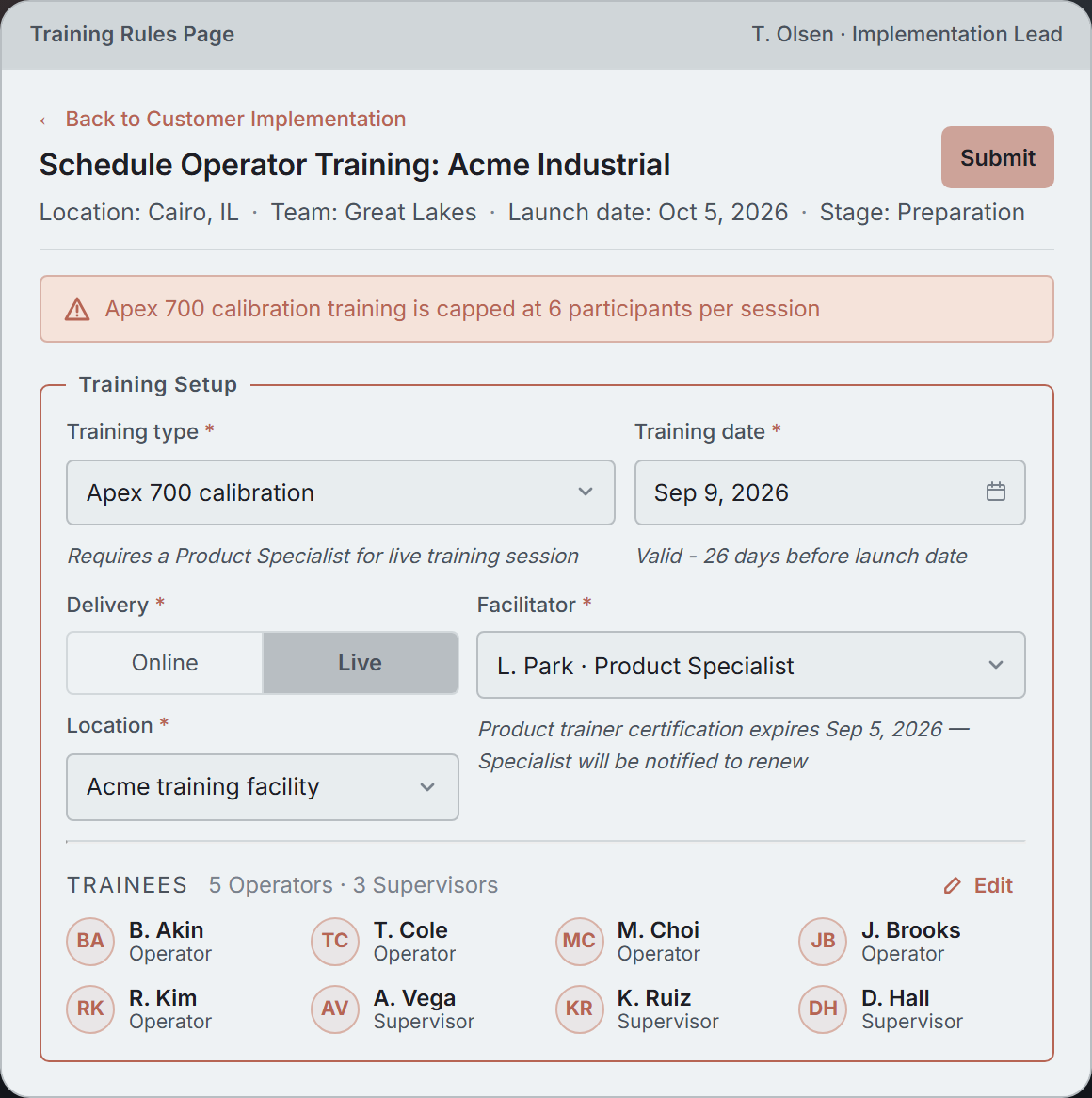
Implementation Lead schedules operator training. Rules from the training type and related records drive required fields, locked options, aggregation totals, and date computations.
Data that drives action
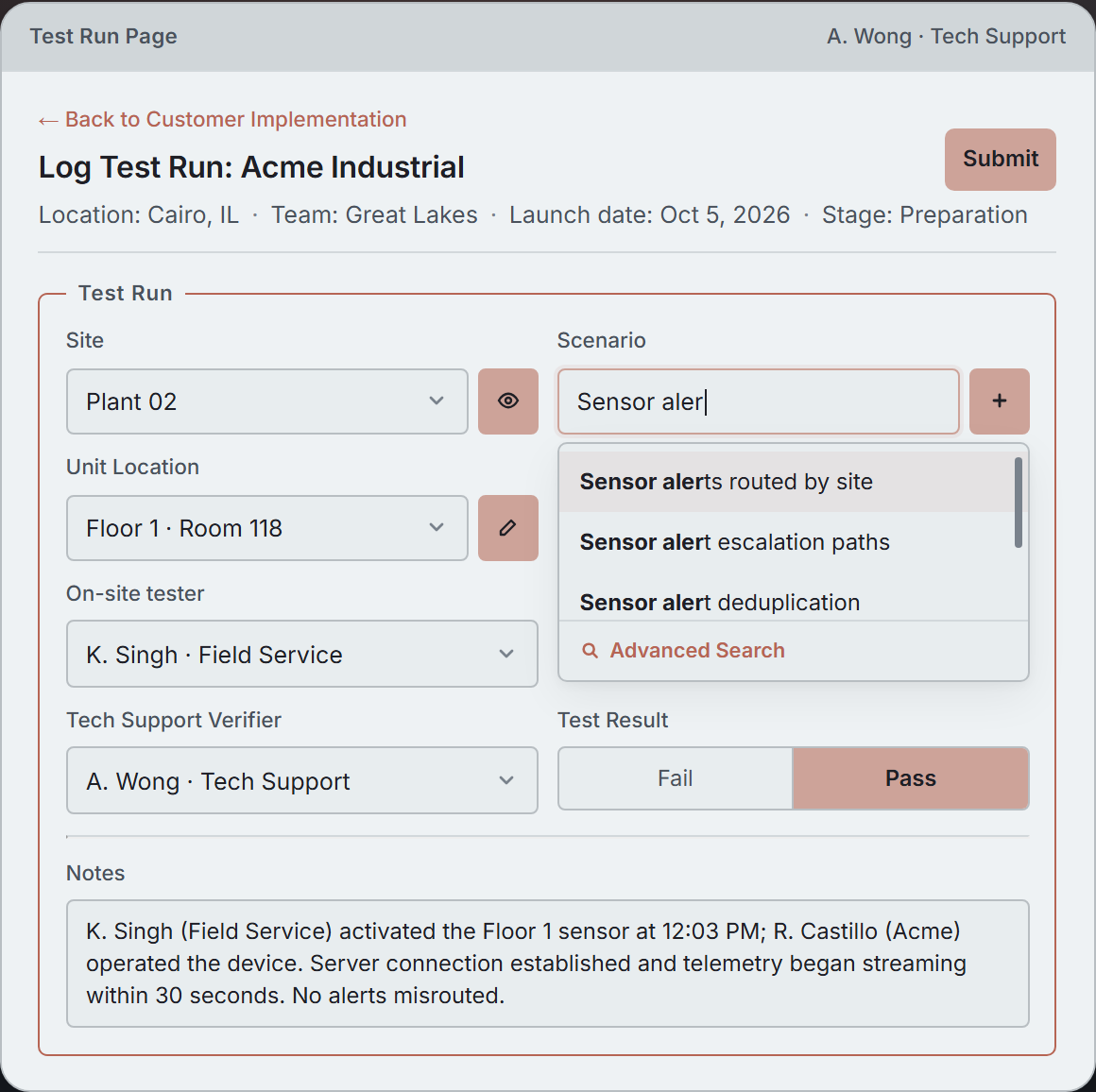
Enable users to find and maintain shared records without interruption using built-in tools for lookup fields.
- Type-ahead and advanced search across large datasets
- Pre-filtered options based on other field values
- Inline view, edit, and create for referenced rows
- Custom indexing for optimized search performance
A Tech Support team member records verification of a Field Service-led test run at Acme. Lookup fields show only relevant records, and allow for appropriate actions inline.
Beyond the form
Forms capture the work; the platform around them keeps team members informed and data flowing — the rest of what running an operation needs.
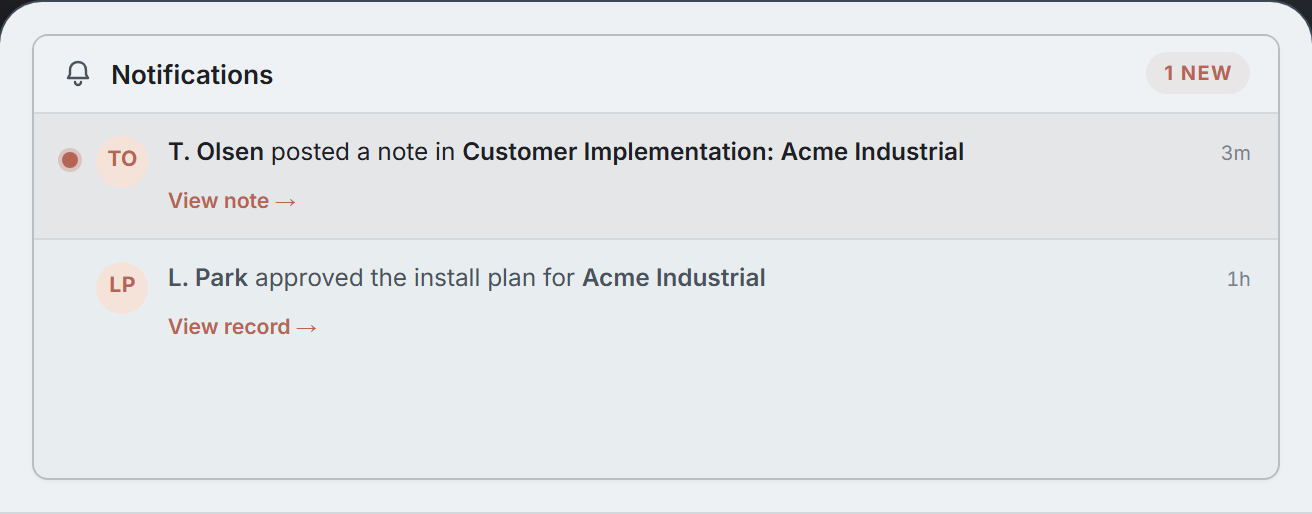
In-app notifications
Notifications for teammate activity on the user's records.
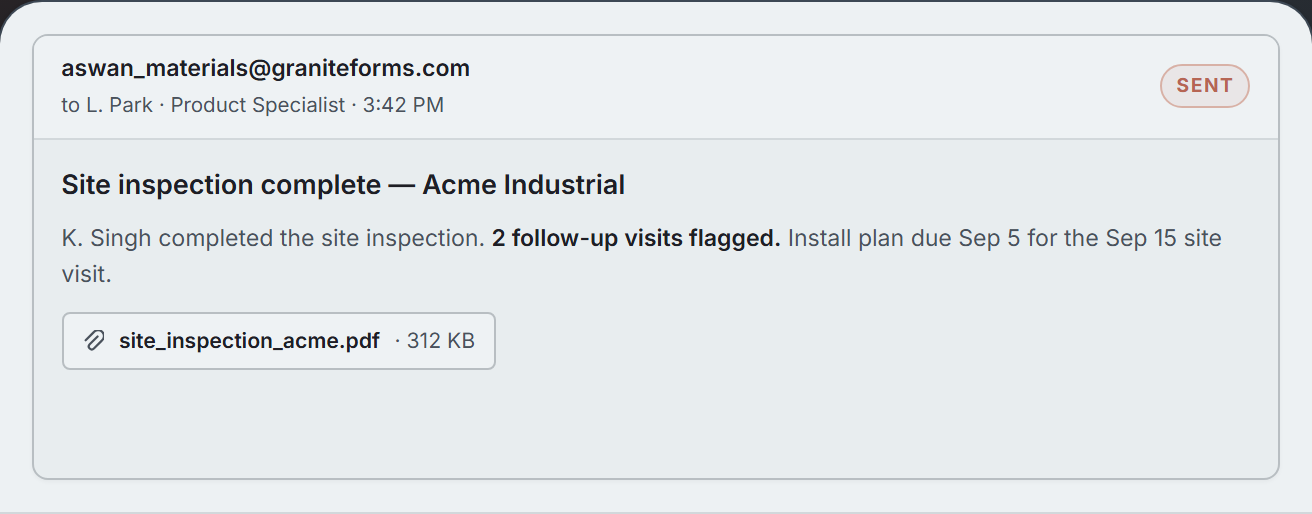
Templated email sending
Emails sent on form submissions, with record data merged in. Attachments optional.
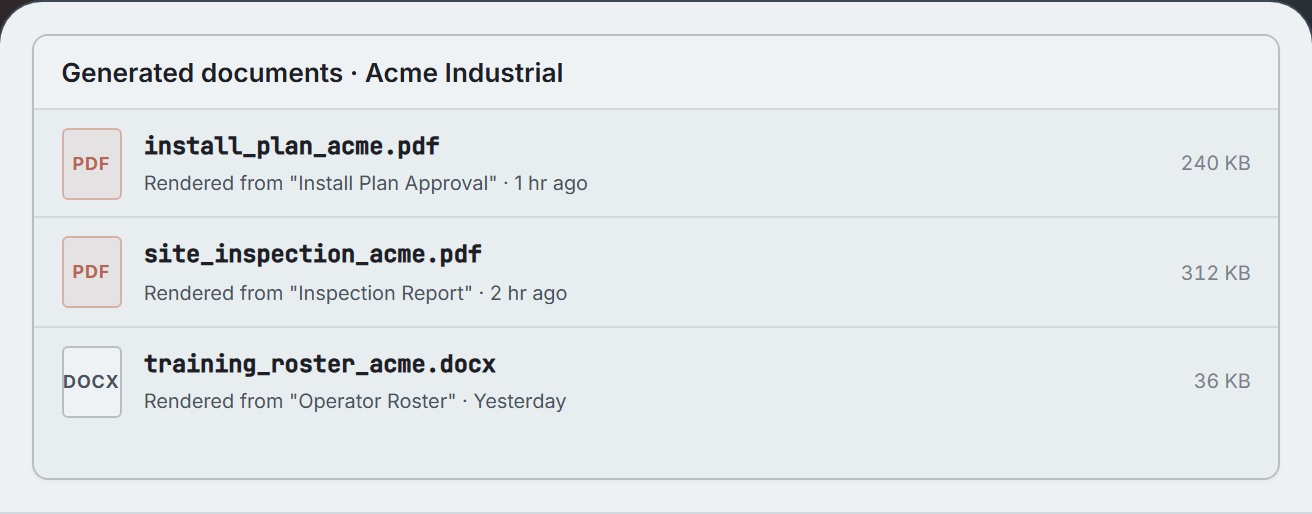
Word & PDF generation
Word and PDF documents generated from templates, populated with record data.
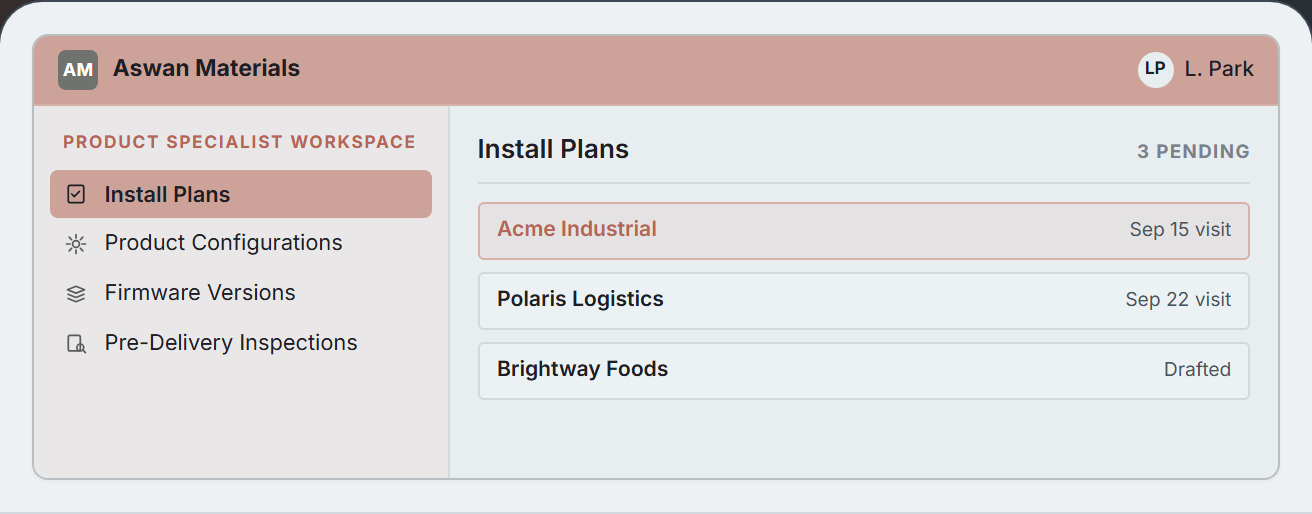
Workspaces
A per-role navigation shell that groups the pages each team works with.
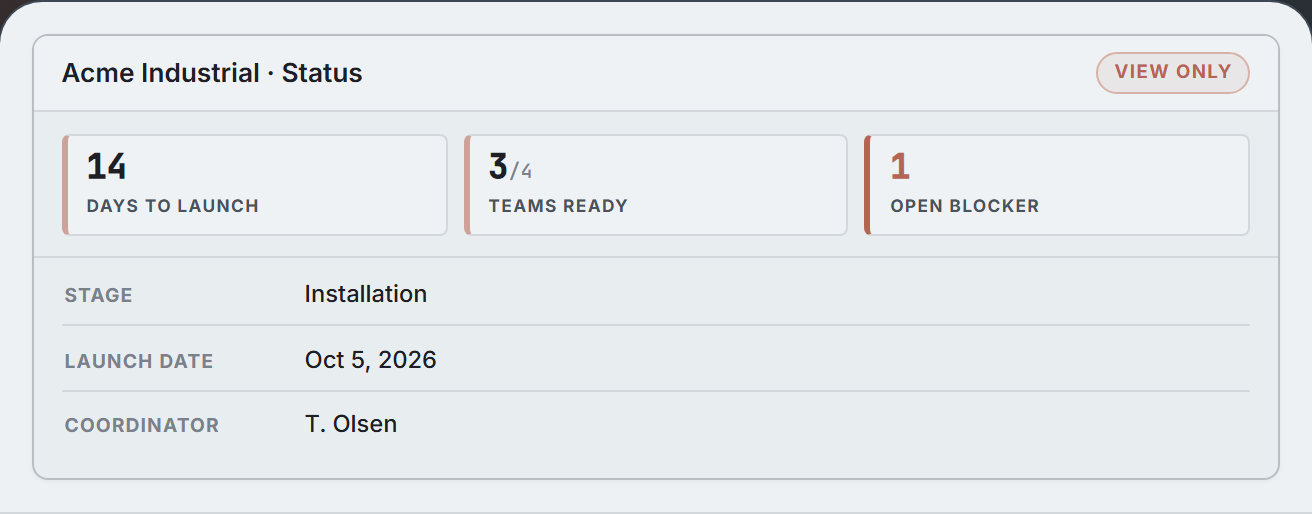
Read-only pages
Display-only pages with stat tiles and read-only fields. Same data and permissions as the corresponding form pages.
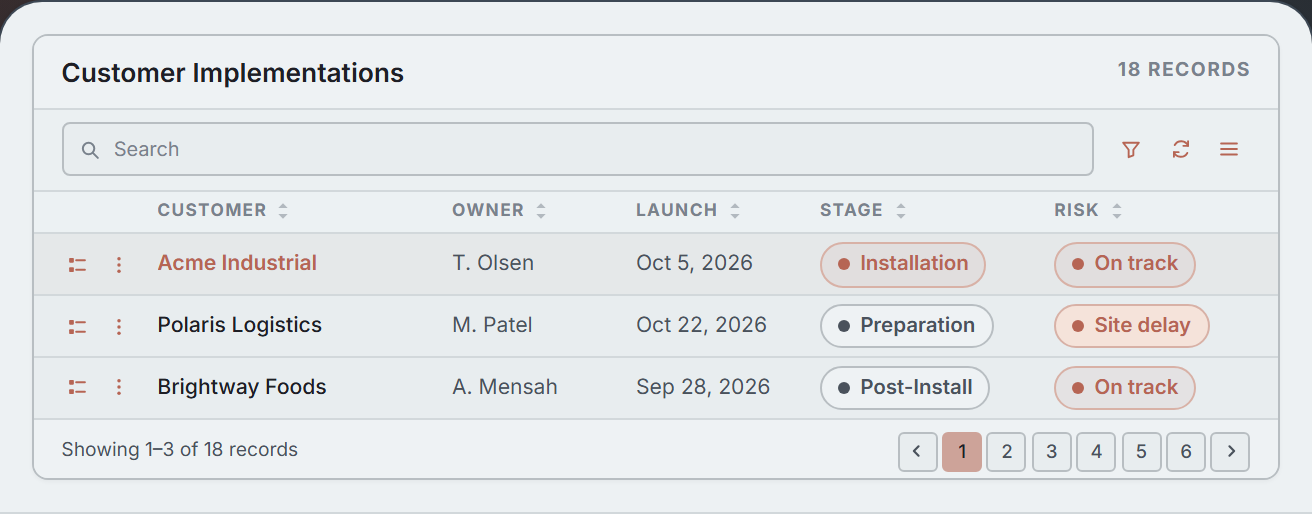
List views
Sortable, filterable record tables. Click any row to open the underlying record.
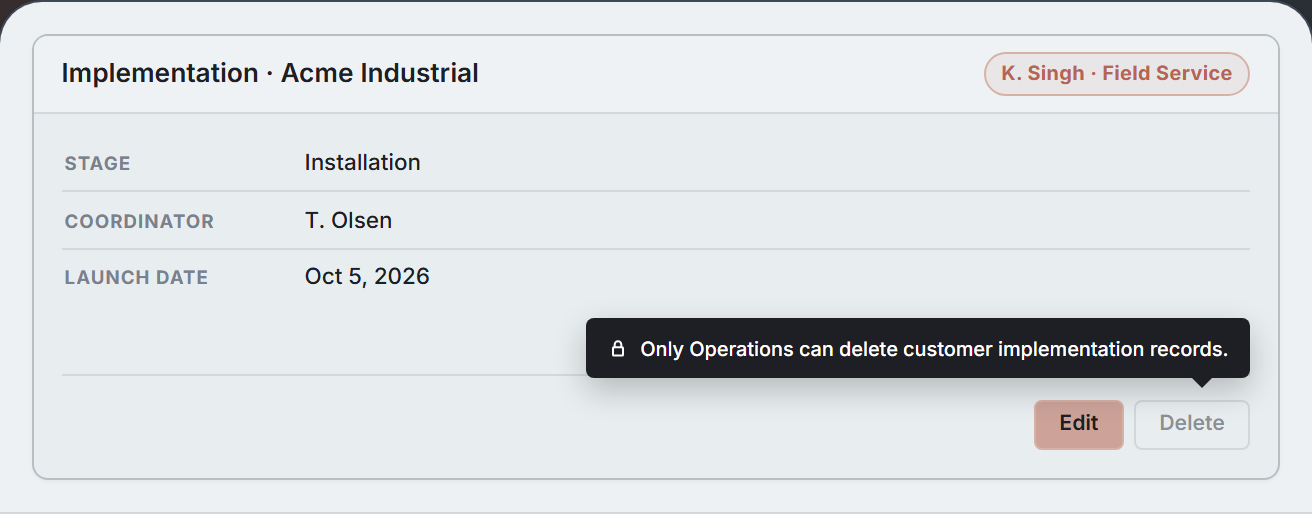
Permissions
Role-based access enforced in the UI and re-verified on submit.
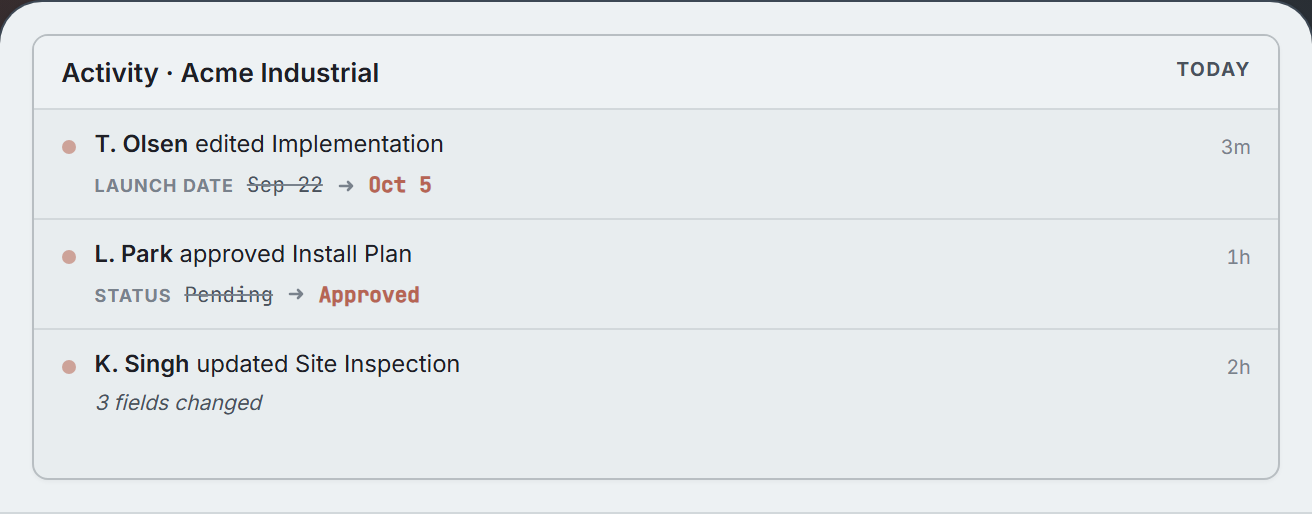
Audit trail
A log of changes on each record — who, what, when, and prior values.
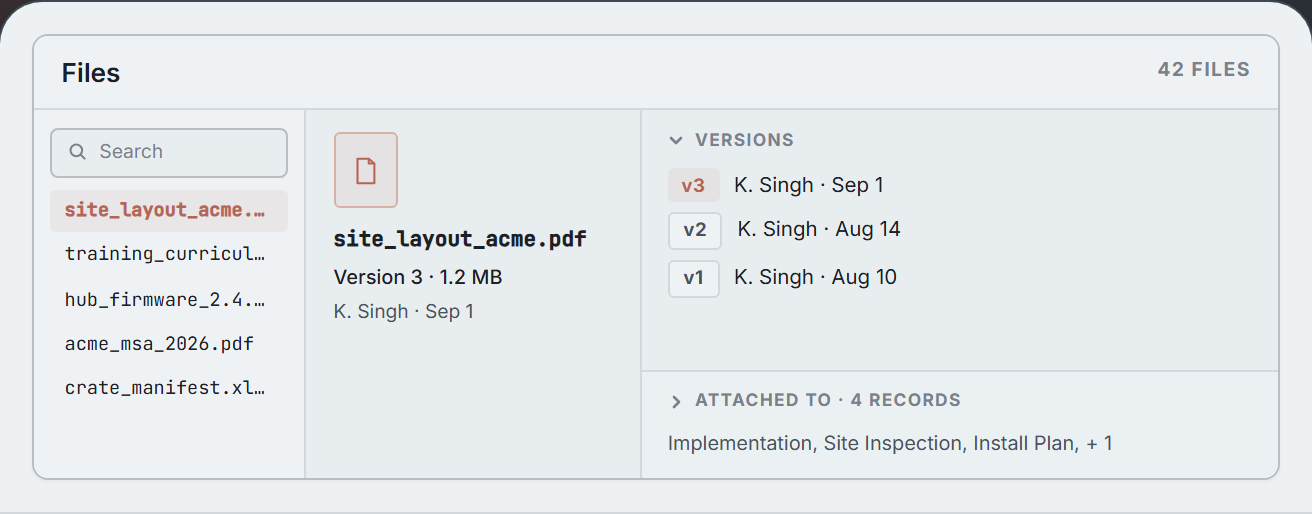
Files & versions
Files with version history. A single file can be attached to multiple records.
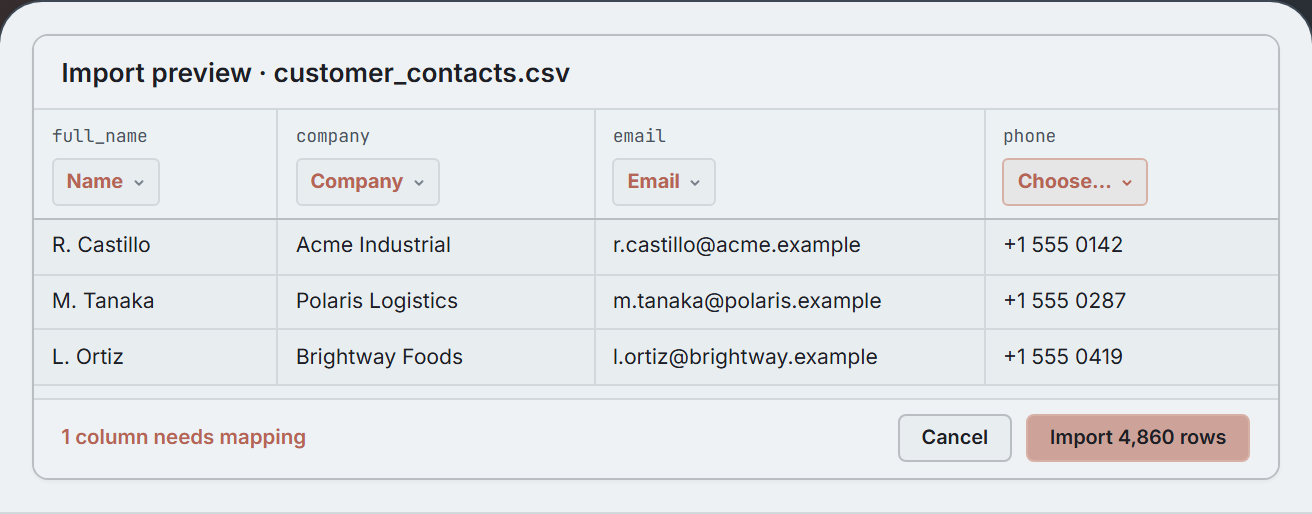
Bulk import & export
CSV import with column mapping and validation. Bulk export from list views.
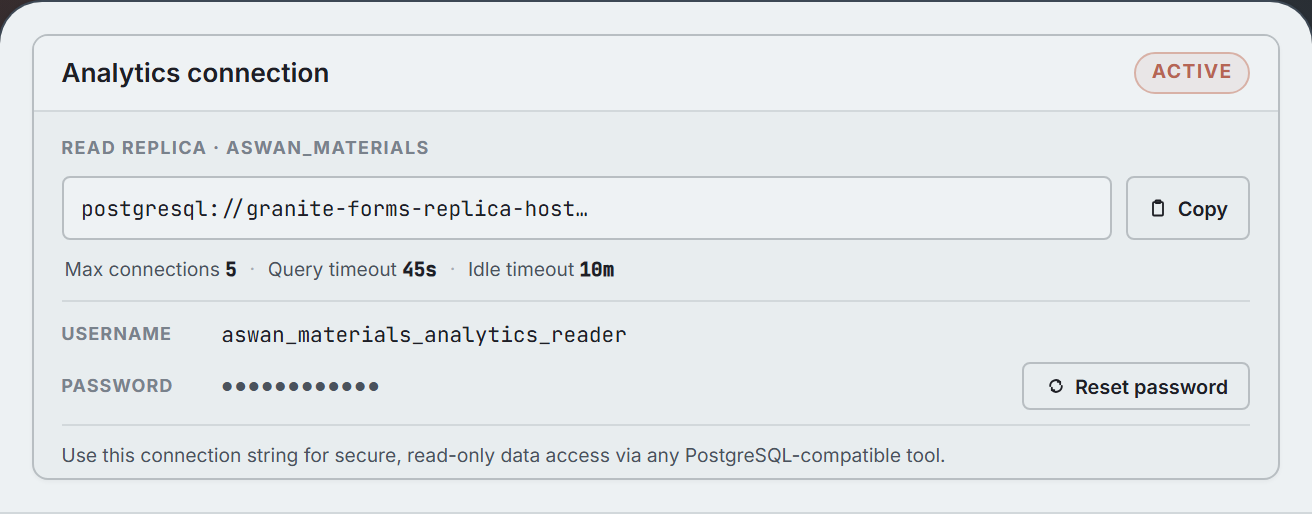
Analytics connection
A read-only replica for analytics tools like Tableau, Power BI, or Metabase.
Forms with unbounded power
For when building on the database schema isn't enough. Premium tier adds programmatic form behavior and inputs that are independent of database columns.
- Form controls that drive downstream automation logic
- Field options sourced from arbitrary relationships
- Prefilled forms via URL parameters or context handoff
- Imperative form updates triggered by user interactions
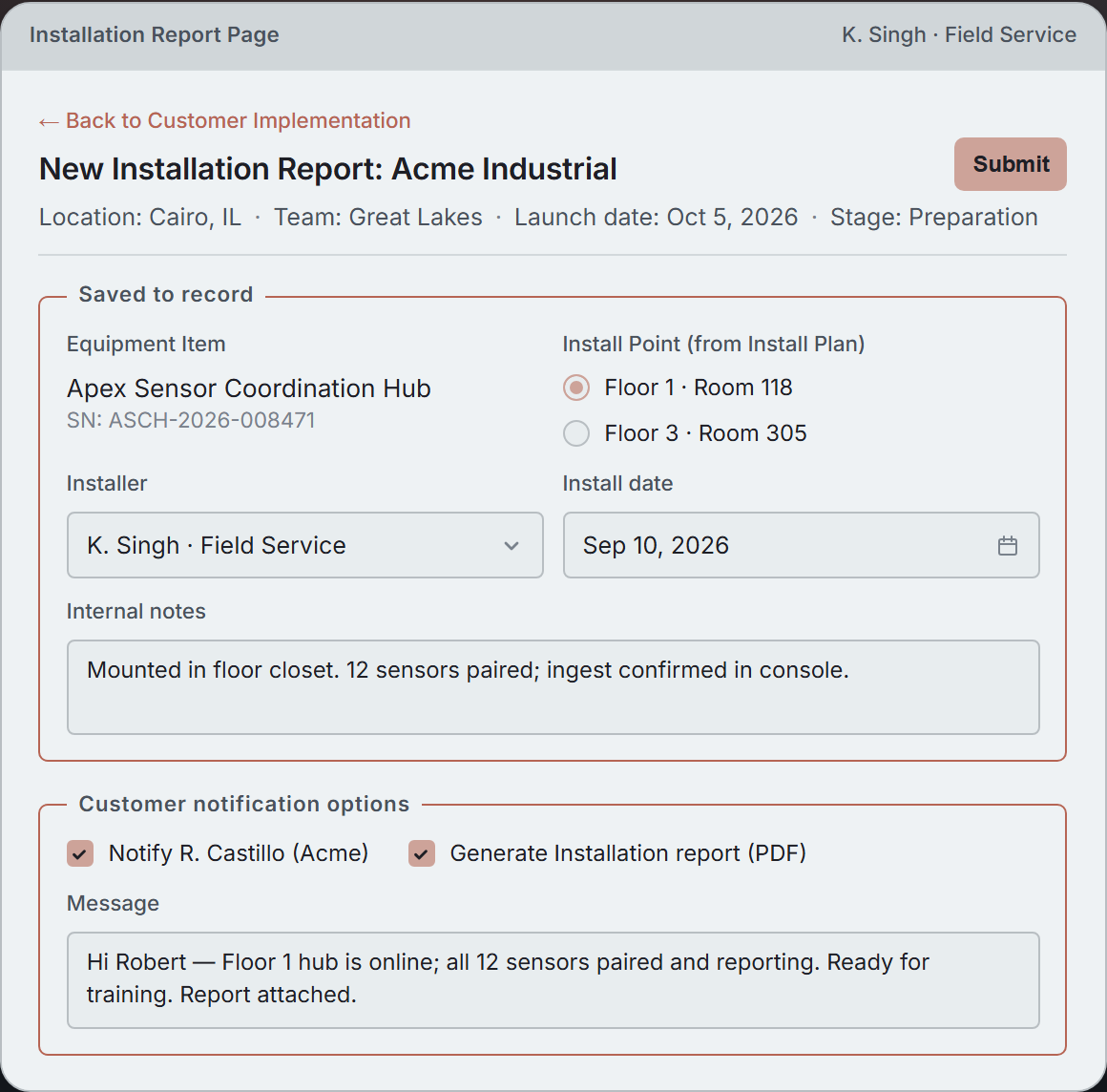
K. Singh files an installation report for one Acme equipment item. The prefilled fields and option lists are sourced dynamically from previously entered data. The notification options are unbound — they drive downstream behavior without writing to the record.
Create with precision
All of the building blocks for serious operational work.
- Database Schema Designer Tables, Columns, Indexes
- Query Editor Filters, Joins, Sorts
- Page Layout Designer Sections, Grids, Tabs
- Form Editor Fields, Validations, Actions
- Page Action Flow Designer Steps, Branches, Conditions
- Expression Editor Variables, Functions, Operators
- Permissions Editor Roles, Pages, Records
- Release Manager Drafts, Reviews, Releases